
Are you tired of posting pictures on social media and want to add a pinch of creativity?
Animated pictures and short videos can be a great alternative for this. They are a way of turning static images into moving video clips and adding a unique touch to content creation.
Before this, creating video clips from images could take a huge amount of time and money, but AI has transformed the industry, providing quick and quality results. We even have the opportunity to edit those videos, change the design elements, and do all this on a single platform.
Keep reading the article to get acquainted with the best AI tools for image-to-video creation and learn more about their key advantages.
Simple Overview Chart
|
Tool |
Key Aspect |
Best for |
Trustpilot Reviews |
|
Krea.ai |
High level of creative control and maintaining visual consistency |
Creative professionals, digital designers, social media content creators |
⭐3.6/5 |
|
Kling AI |
Realistic motion |
Content creators, e-commerce marketers |
⭐1.3/5 |
|
Veo3
|
Control over the image creation process |
Professional content creators |
⭐2.6/5 |
|
Runway
|
Motion and camera control |
Marketers, filmmakers |
⭐1.6/5 |
|
Luma Dream Machine
|
Cinematic camera control |
Content creators, e-commerce sellers |
⭐1.5 /5
|
|
LTX Studio
|
Analysing static images and providing realistic videos |
Filmmakers, content creators |
⭐1.5 /5 |
Top 6 Image-to-Video Software
Krea.ai
Krea.ai is one of the leading tools in the industry for creating AI videos from images and transforming them into dynamic and creative videos. The tool offers fast creation and a seamless workflow with the help of the built-in AI tools.
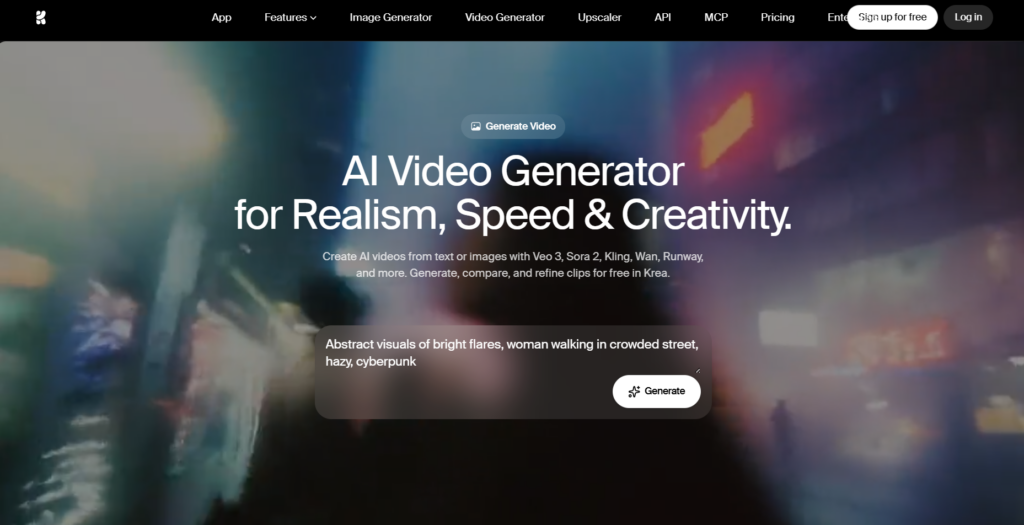
Main Features
- Animate the Image: You can add your preferred image to the tool, set the frames, guide the shots, and its movement.
- Try Different Models: You can find different styles on the same platform and try other models like Seedance 2, Nano Banana 2, Krea 1, Hailuo 3, and many others.
- Extend the Image: If you aim to make scenes longer, you can simply trim the video and continue from the final frame. In addition, you can merge clips by generating videos that will easily transition.
- Sound Effects: To ensure that your video is not based on the picture, you can add music and dialogue that match the scenes as well as synchronize them.
- Work on Multiple Projects: You can generate multiple videos at the same time, try diverse prompts and settings, and explore different possibilities.
- Create Clips for Different Needs: You can create animated videos for film and storytelling, marketing purposes, content creation, and e-commerce.
How to Create AI Video on Krea?
- Open Krea AI and go to the video tool.
- Pick a model and set the ratio and duration of the video.
- Upload an image that helps AI to better understand the style and composition.
- Generate the video, edit, change visuals, and make it polished.
- Compare diverse styles, choose the one you prefer, and download.
Krea.ai is one of the top tools for image-to-video creation since it offers video creation for diverse purposes and with different modes, making editing and personalisation easy and effortless.
Kling AI
Kling AI is a great tool used for image-to-video generation that helps add cinematic animation to your photo while maintaining its original qualities.
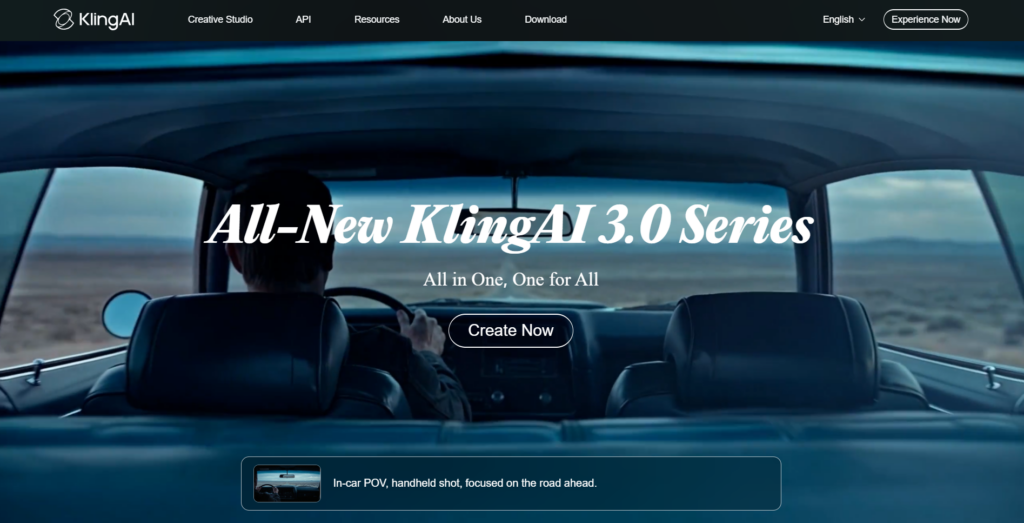
Main Features
- Preserves Originality: Maintains the colors, composition, and style of your original image and uses it as a base instead of building from scratch.
- Extend the Video: You can generate a video up to 15 seconds and precisely control each shot, framing, and camera movement.
- Multi-Image: Combines up to four images in a single workspace, helping characters and objects in them to easily interact.
- Audio Output: While having characters in your audio, you can easily decide who speaks, and the tool supports multiple languages, regional dialects, and authentic accents.
Kling AI is one of the best tools for creating videos with good sound and different characters.
Veo3
Veo3 transforms static images into dynamic video clips by analysing motion, subject context, and the depth of the image.
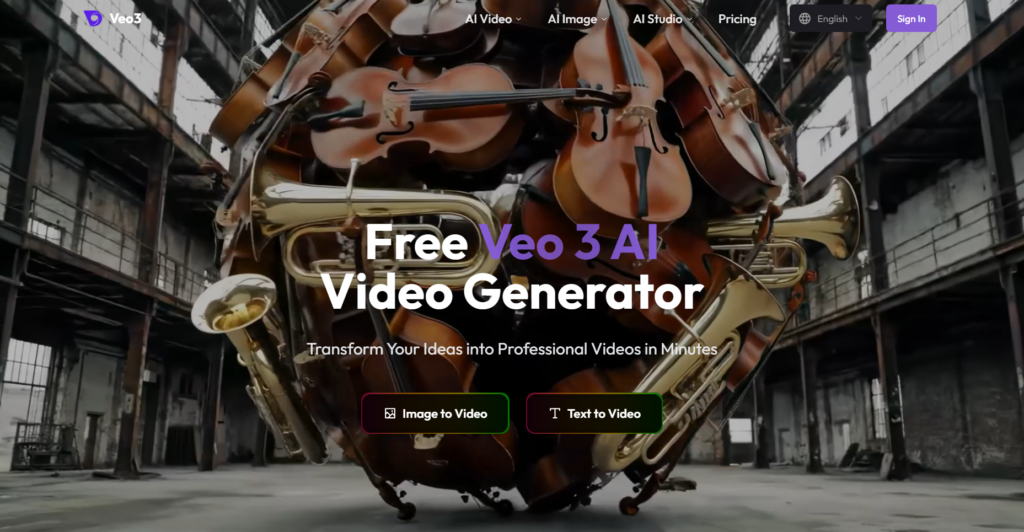
Main Features
- Native Video Integration: Veo3 generates sound effects and character lip-syncing that match the overall image from visual input and prompts.
- Short Clips: You can generate optimal 4-8 second clips for cinematic storytelling and style consistency.
- Creative Control: You can control the exact camera movement and angles to achieve the closest result to your goal.
- Authenticity: Preserves the visual identity, framing, and subject of your real image rather than completely proving AI-based result.
Veo3 is an interesting image-to-video generator with the help of its quality and realistic clips, and it maintains originality.
Runway
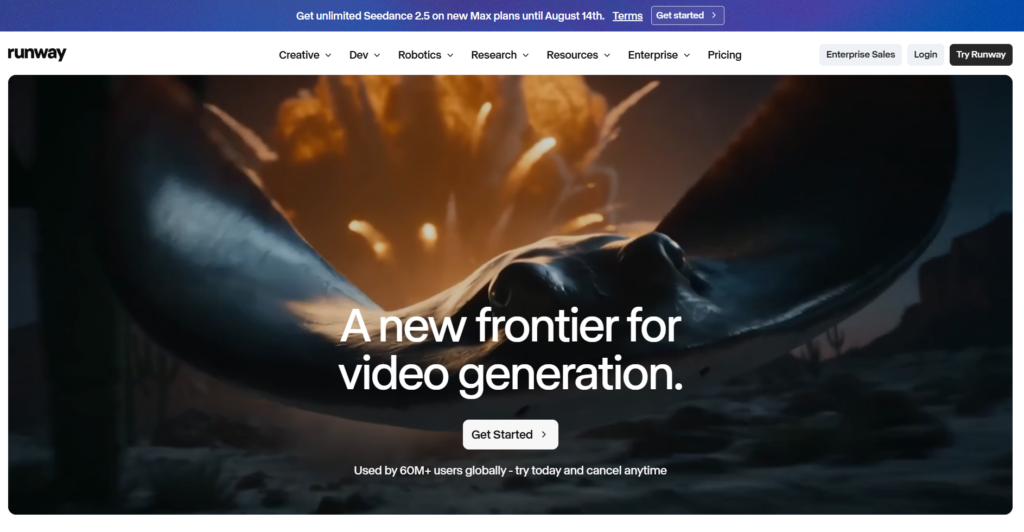
Runway is another AI video generator that has powerful image-to-video capabilities and helps you easily turn any picture you add into video animations.
Main Features
- Animations: Add your static images to the tool and add animations without needing time-consuming animation tools.
- Take Control: After adding the picture, you can add text prompts to describe how you want the camera angle, scene, and objects to move.
- Edit the Video: You can easily alter the lighting angle and even some video details without touching the main video content.
- Prompt Appearance: Follows text prompts and the original image to provide what you want to see in the animation.
Choose Runway if you want to bring your creative ideas and turn them into short videos and animations that will grab the customer’s attention.
Luma Dream Machine
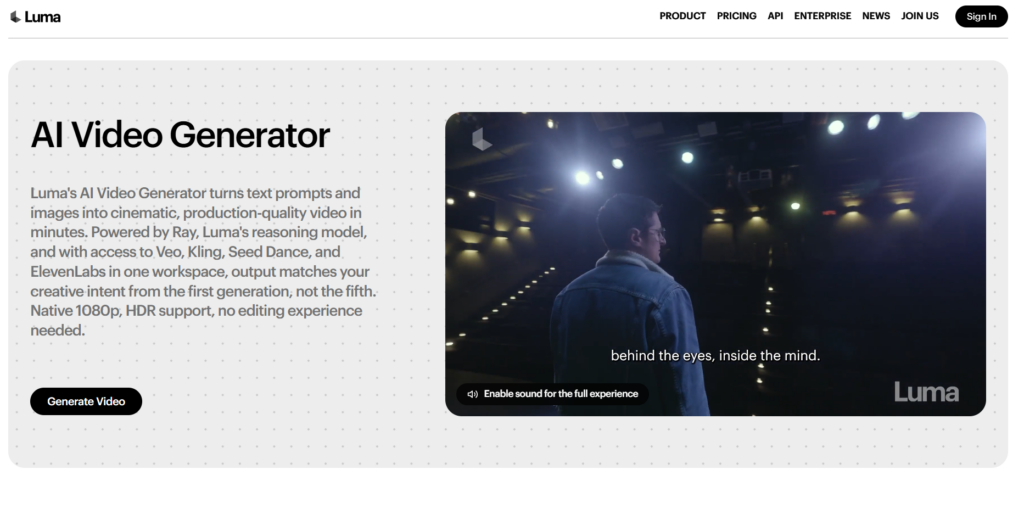
Luma Dream Machine is another tool that turns static images into cinematic videos and animations using its AI-powered mode.
Main Features
- Visual Consistency: Provides clear characters, background details, materials, and lighting across the generated video.
- Realistic Motion: Although the clips are created with AI, it animates photos with movement that looks authentic.
- Generation Speed: Provides quality animations in just a few minutes.
- Camera Control: The tool provides professional camera movements such as zooms and tracking shots, which you can add with simple text instructions.
If you aim to create quick videos that look natural and easily attract users’ attention, Luma Dream Machine is an interesting option.
LTX Studio
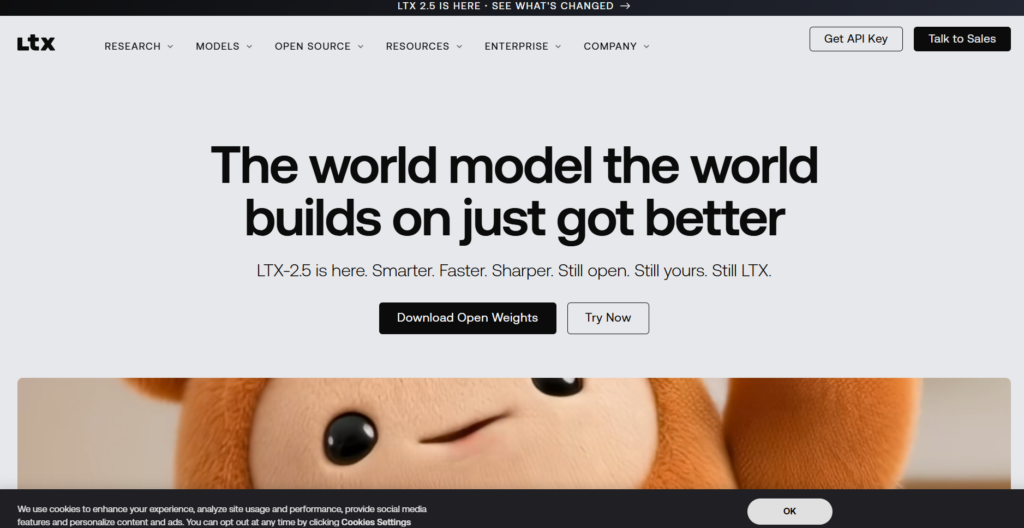
LTX Studio is an all-in-one AI platform that transforms still images into animated videos fast and with editing control.
Man Features
- High Speed: Provides quick animations without making you wait for a long time.
- Clear Motion: Ability to generate smooth and more natural motion videos.
- Multishot: Create different shots, connect them, and create natural lighting and voice.
- Control: You can provide prompts to decide the frame length, video duration, and edit the footage.
LTX Studio is an interesting AI tool that helps you create quick video animations and connect different shots to achieve the result you are aiming for.
The Bottomline
Different AI tools help to make video creation easy and fast. By just adding a picture and giving directions, one can achieve the perfect animation they are looking for.
What’s more, the tools allow you to choose the lighting, angle, style, and duration of the videos so you can easily edit any aspect that comes to mind by providing text prompts. As a result, you have ready-to-use videos to post on your social media accounts and grab the attention of customers.
Choose the tool you like the most and start creating animated videos to bring your creative ideas to life.