

Most marketing videos are viewed without sound. They’re skimmed in feeds, paused mid-scroll, or replayed silently during a commute. If we add the 20% of the world population living with hearing loss, it’s fair to say that subtitles are no longer just for people with hearing impairment; they’re now a way to make sure your message even gets through.
The problem is in selecting a subtitle software that works for your real-life workflow rather than one that just has a nice list of features or looks good on paper.
This article presents a short list of the best subtitle software that we curated after careful implementation and evaluation in real-life scenarios. They’re beneficial as they come up with solutions to very specific, everyday issues with captioning.
- Happy Scribe: Accurate Subtitles for Professional Marketing Content
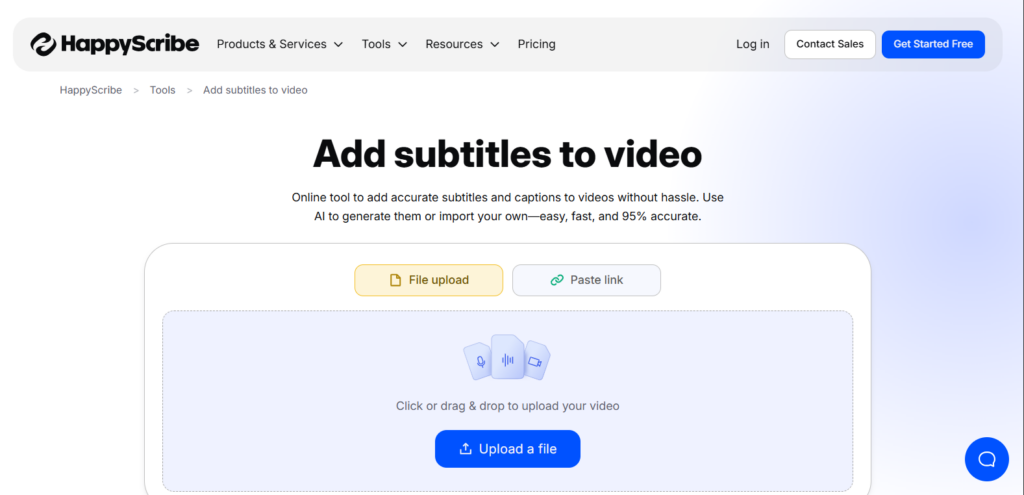
When accuracy matters more than speed, automated transcripts generally are not enough. Interviews, webinars, or product explainers are common scenarios where small mistakes lead to losing trust.
HappyScribe is used by marketing teams and creators to add subtitle to video content, especially if it has to go public or be used on other platforms. The whole process is simple: upload, review, do collaborative edits, and export in the required format. HappyScribe helps teams work effectively to meet accessibility requirements without production being interrupted.
Key Strengths include:
- High quality of transcription, even with different accents
- Various exporting formats (SRT, VTT, burned-in)
- Collaboration tools for review and edits
- Strong accessibility and compliance support
Limitation: The human-reviewed accuracy is more expensive than fully automated tools.
Best suited for: Marketing teams, agencies, and creators who make highly polished and public-facing video content.
- Kapwing: Fast Captions for Social-First Video Workflows
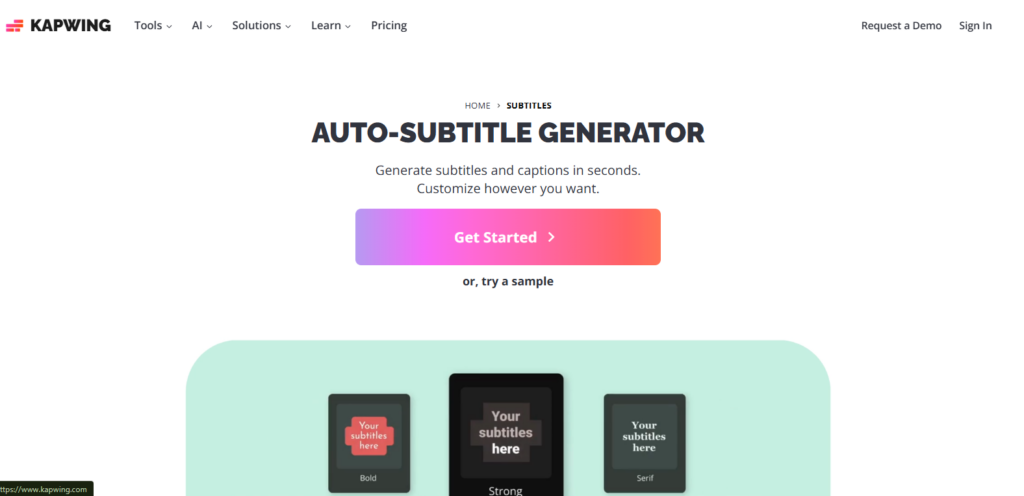
Speed is the main issue for social media teams. To stay on schedule, captions must be added, styled, and published quickly.
Kapwing is used directly in the browser to automatically generate subtitles, make timing changes, and adjust visuals for platforms such as TikTok, Instagram Reels, and YouTube Shorts. It’s the right choice for fast workflows where videos are short and informal.
Key Strengths include:
- Being a browser-based tool, it requires no setup
- Quick, auto-transcription
- Built-in styling for social media formats
- Goes well with short-form videos
Limitation: Captions still require the user’s intervention in most cases for accuracy.
Best suited for: Creators and social media marketers who give speed priority over precision.
- VEED: Simple Subtitles Built Into Lightweight Editing
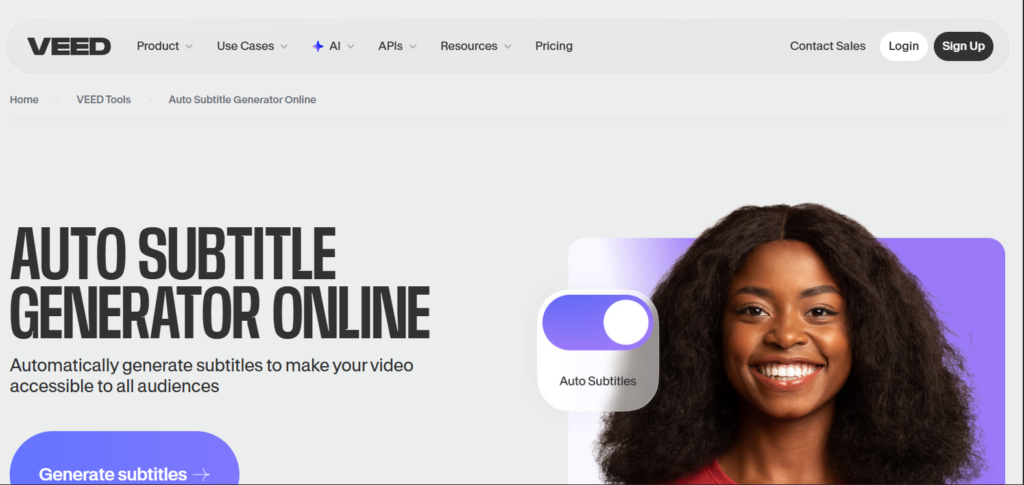
Some teams prefer to have editing and captions done on a single tool only. VEED is most effective if the subtitles are just one element of a simple editing workflow.
Small businesses and solo marketers usually rely on VEED for trimming videos, adding captions, and exporting the final assets from one place. It’s a great solution, especially if you don’t have a video editor on your team but still require visually exciting content.
Key Strengths include:
- Integrated video editing and subtitles
- Extremely user-friendly for the non-editors
- Collaborate across devices via Cloud
- Offers a variety of export choices
Limitation: Not many sophisticated editing features.
Best suited for: Minor teams that want simplicity without switching between multiple tools.
- Descript: Subtitles for Content Repurposing at Scale
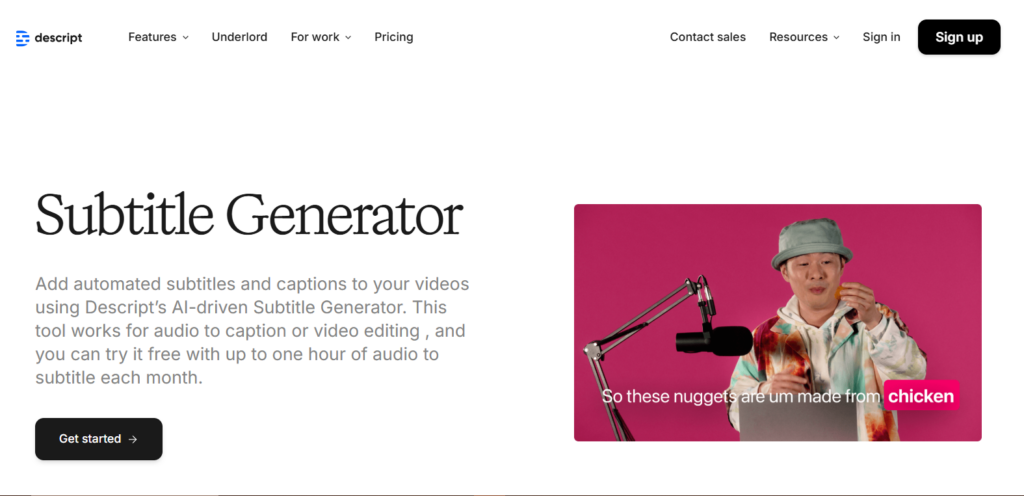
Video, as a part of an extended content strategy, demands that subtitle tools enable reuse. Descript looks at video editing via text; thereby, it kinetically changes how captions are integrated into the workflow.
Marketers and creators leverage Descript to convert their recordings into transcripts, subtitles, blog drafts, and clips, all sharing the same root. Such a practice is very habitual in podcasting, thought leadership, and long-form marketing.
Key Strengths include:
- Text-based video and subtitle editing
- Easy content repurposing
- Strong collaboration features
- Efficient for long-form content
Limitation: Too much for simple caption-only needs.
Best suited for: Teams repurposing video into multiple content formats.
- YouTube Studio: Free Subtitles That Improve Discoverability
If you primarily distribute content via YouTube, adding subtitles will greatly impact the video discoverability. The auto-generated YouTube Studio captions are a resource that is hardly ever leveraged to their full potential.
Creators and businesses rely on it to generate the captions automatically, make the necessary changes for precision, and thus, search visibility within YouTube gets a boost. Although its functionalities outside the platform are limited, YouTube’s first strategy will find the tool effective and economical.
Key Strengths include:
- Free automatic captions
- Improved SEO and discoverability
- Easy in-platform editing
- No external tools required.
Limitation: Not great if you want to export captions for other platforms.
Best suited for: Creators and businesses that are primarily focused on growing through YouTube.
How to Choose the Right Subtitle Tool for Your Business
The best subtitle tool will vary depending on how much you have, how accurate you need to be, and the place where your videos are. Some teams value the speed of production for social media. Others require a high level of accuracy for public-facing or regulated content.
Besides cost, collaboration, and export flexibility, the flashy AI claims don’t matter. The tools listed here show different workflows, so you can choose according to your publishing method instead of the vendors’ marketing.
Turning Subtitles Into a Consistent Marketing Advantage
Don’t take subtitles as an afterthought that you only add minutes before publishing. In fact, done right, improve reach, clarity, and accessibility across every channel you use. Using a proper tool can result in subtitles seamlessly integrating into a regular workflow rather than having to be done manually each time.
It doesn’t matter if your primary objective is to make your content more discoverable, produce more content at a larger scale, or generally meet accessibility requirements; picking a tool that matches your normal team operation will definitely give you time back and save you from hassles, not only now but also in the future.