

Business cards are changing. Instead of only using printed cards, more people now use digital tools to share their contact details quickly and easily. Digital business card creators help you design, share, and update your information without needing to reprint anything.
Another reason for this shift is convenience. With digital cards, you can share your details instantly from your phone, keep your information updated, and avoid carrying physical cards. This makes them useful for meetings, events, and even online networking.
Best Business Card Creators
Two popular options in this space are Design.com and Blinq. While they both help you create business cards, they work in very different ways. Let’s break them down in a simple and clear way.
What Are Digital Business Card Creators?
Digital business card tools usually fall into two types:
- Design tools – help you create nice-looking cards (for print or sharing as files)
- Sharing tools – help you instantly send your contact details to others
Design.com is mainly a design tool, while Blinq focuses on sharing and networking.
Design.com
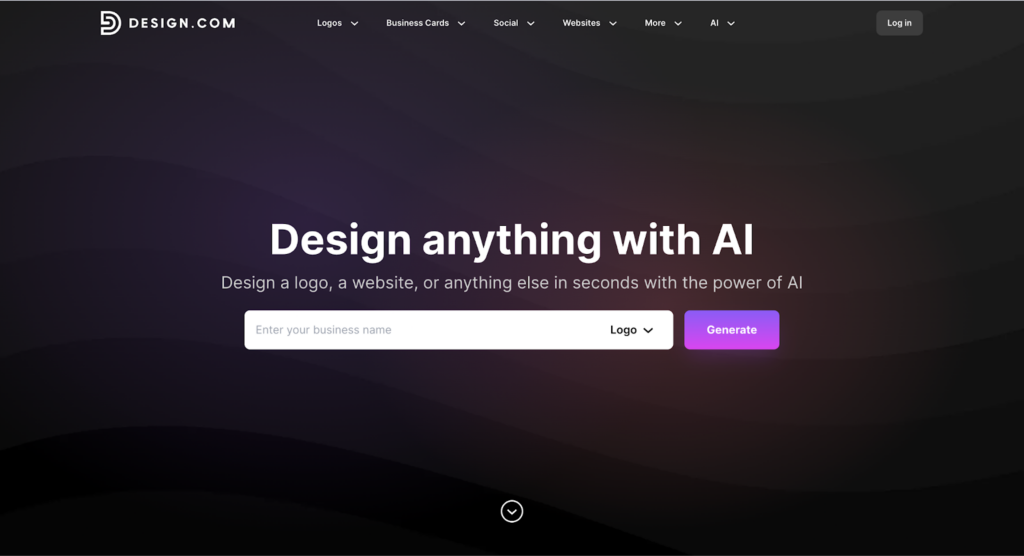
Design.com is an online platform that lets you create digital business cards along with other branding materials like logos and social media graphics.
What it does well
The main strength of Design.com is how easy it is to design a card. You just type in your business name, and it quickly shows you many ready-made designs to choose from.
You can then customize your card by:
- Changing colors, fonts, and layout
- Adding your logo
- Adjusting shapes and styles
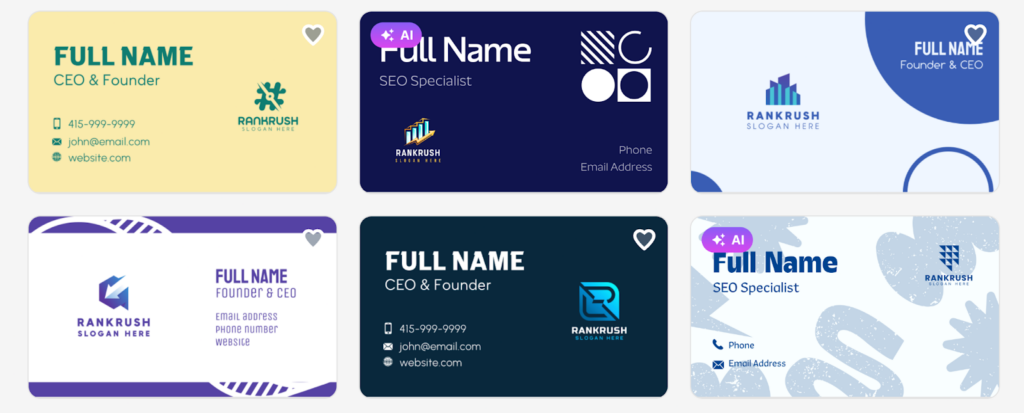
There are thousands of templates available, so it’s easy to find something that fits your brand. Here are some examples from Design.com:
Download and use
Once you’re done, you can download your card right away. You get:
- PNG and JPG files for digital use
- SVG, EPS, and PDF files for printing
This makes it useful if you want both digital and printed business cards.
Extra features
Design.com also offers tools for:
- Social media designs
- Email signatures
- Other branding materials
So it’s helpful if you’re building your brand from scratch.
Best for
Design.com is best if you:
- Want a nice-looking, professional card
- Need files for printing
- Care about design and branding
Blinq
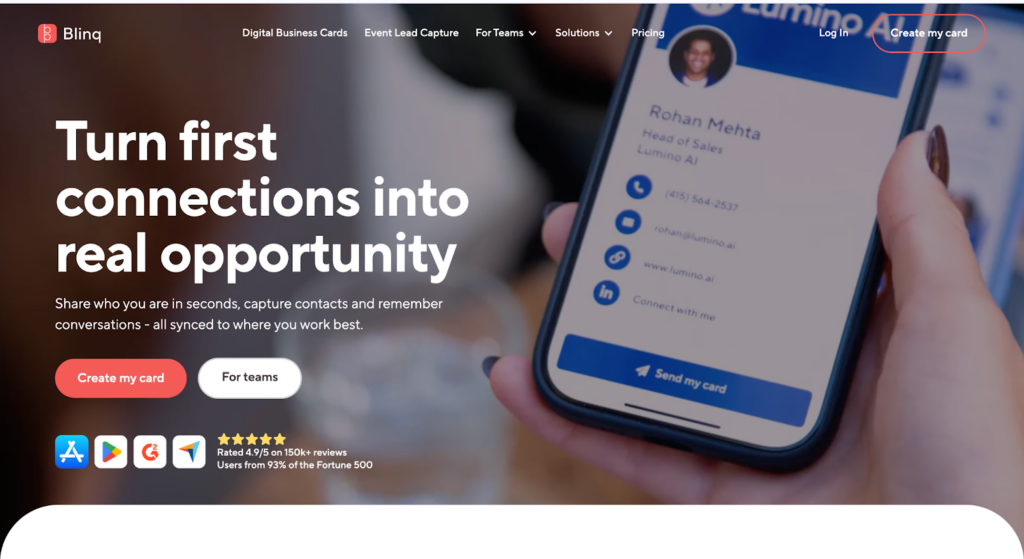
Blinq is built for sharing your contact details instantly, rather than designing detailed cards.
How it works
With Blinq, you create a digital business card that you can share in different ways:
- QR code
- Tap (NFC, on supported phones)
- Link (via message, email, etc.)
The other person doesn’t need the app to receive your details, which makes things simple.
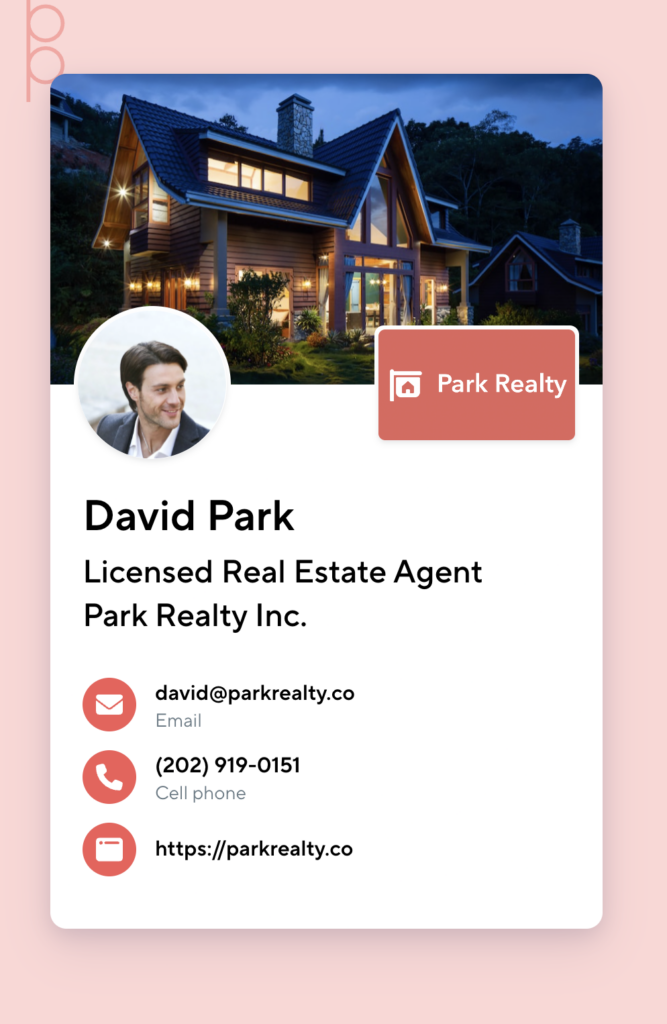
Here is a simple sample from Blinq:
Easy updates
One of the biggest advantages is that you can update your information anytime. If your phone number or job changes, your card updates automatically.
You don’t need to create or send a new card every time something changes.
Built for everyday use
Blinq is designed for real-world networking. It can be used in:
- Meetings
- Events
- Video calls
- Email signatures
It focuses on being quick and practical rather than highly customizable.
Best for
Blinq is best if you:
- Want instant sharing
- Meet people often
- Need up-to-date contact info at all times
Comparison Table
Here’s a quick side-by-side comparison to make things even clearer:
| Feature | Design.com | Blinq |
| Main purpose | Design and branding | Contact sharing and networking |
| Type of card | Static (downloadable files) | Dynamic (always updatable) |
| Customization | High (fonts, colors, layouts) | Basic (simple branding options) |
| Sharing method | Download and send or print | QR code, NFC tap, or link |
| File formats | PNG, JPG, SVG, EPS, PDF | No file download (digital profile) |
| Best use case | Creating branded, printable cards | Fast, contactless networking |
In simple terms, Design.com is better if you care about how your business card looks and want full control over the design. On the other hand, Blinq is better if your priority is quickly sharing your details and keeping them updated without any extra effort.
Which One Should You Choose?
It depends on what you need most.
Choose Design.com if:
- You want a beautiful, designed business card
- You plan to print your cards
- You’re building your brand identity
Choose Blinq if:
- You want fast, contactless sharing
- You network a lot
- You need your details to stay always updated
Can You Use Both?
Yes, and in many cases it makes sense.
You could use:
- Design.com to create your brand and printed materials
- Blinq for everyday networking
This way, you get the best of both worlds – great design and easy sharing.
Conclusion
Digital business cards are becoming more common, especially as more work and networking happen online. Tools like Design.com and Blinq show two different ways to approach them.
If you care most about how your card looks, Design.com is a great choice. If you care more about speed and convenience, Blinq is the better option.
In the end, the right tool depends on how you meet people and how you want to present yourself.