

Choosing the correct logo design software is an important first step for all businesses.
Your logo will usually be the first impression people have of your company. A well-designed logo makes it easy to appear as though you have a professional, trustworthy, and recognizable brand image. For companies that want to create their logo online, there are two popular programs available.
Design.com and Logomakr provide users with a quick way to create logos online; however, they offer different options when it comes to features, customization, and creating your brand identity. The purpose of this article is to review each option and assist you in determining which one best meets your needs.
Quick Comparison Chart
| Feature | Logomakr | Design.com |
| Logo Templates | Basic templates, small library | 360K+ templates, 1M+ design options |
| Customization | Text, color, icon edits | Full AI-driven edits: fonts, colors, icons, layout |
| Branding Tools | Logo only | Social media posts, flyers, presentations, business assets |
| File Formats | PNG, SVG | Vector, raster, animated, transparent backgrounds |
| Ease of Use | Simple and quick | Moderate learning curve due to more options, no design skills needed |
| Ideal Use Case | Fast, basic logos | Professional branding and long-term growth suitable for any industry |
Design.com
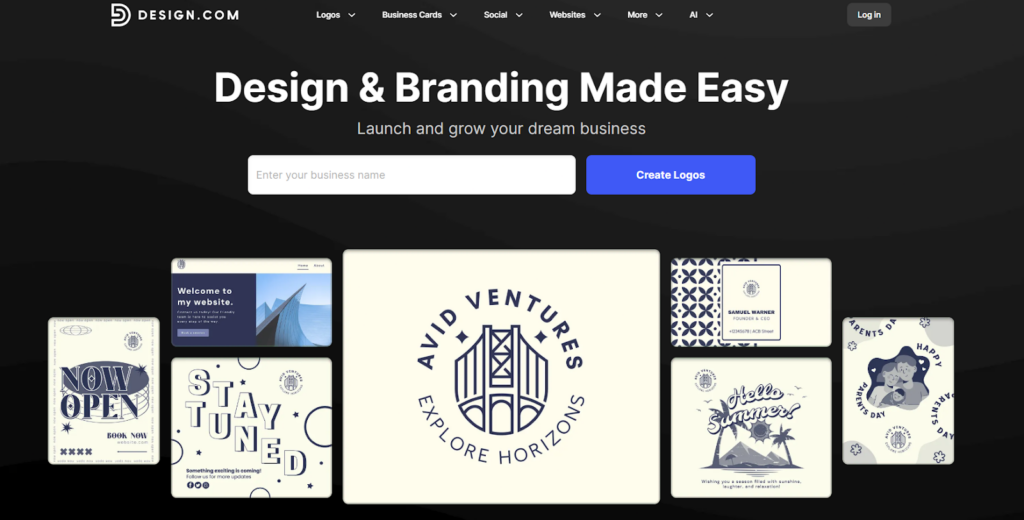
Design.com provides a wide array of logo design and branding services by combining AI-based tools with customization options that will allow businesses of all sizes to create their own logos and branding elements.
Key Benefits
- Logo Templates: Over 360,000 logo templates; more than 1 million design templates per industry.
- Additional Design Tools: Has about 50+ additional design tools, such as website creator, business card, flyer, presentation maker, and more.
- Customization Options: Over 750+ fonts available; over 525+ exclusive fonts available.
- File Format Options: Vector (SVG, EPS, PDF); raster (PNG, JPG); animated (GIF, MP4) formats; transparent backgrounds.
- Social Media Branding: Generate social media post images; digital business cards; flyers; posters; presentations, etc., all in color matching your logo.
- Business Use: All designs are created as originals, so they are completely safe to use for commercial purposes.
- Print Options: Print your logos onto your business cards, t-shirts, mugs, etc. 24/7 customer support is also available through the platform.
- Strong AI Logo Editing Options: Easily edit logos, icons, and texts using an AI chat interface, ensuring copyright-safe designs.
- Advanced AI design Tools: Create logos, websites, business cards, flyers, posters, and remove backgrounds, etc., by using AI-powered tools
Advantages
- Design.com offers you much more than just designing your company logo. Branding options include full branding as well as creating a custom website for your business.
- Design.com provides the highest quality files to be used in web development, printing, and even animation.
- You can customize your logo to fit your company’s needs with extensive options available to create a truly professional and unique logo for your business.
If your business needs to have a logo today and the tools to continue a professional and consistent brand image throughout all aspects of your company, Design.com is an ideal solution.
Logomakr
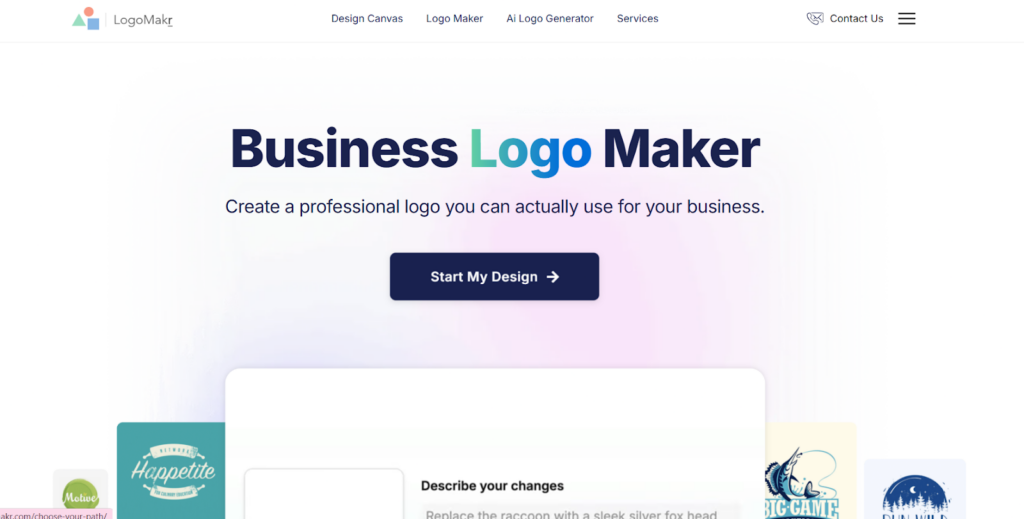
Logomakr is an easy-to-use online logo-making software that offers users quick and easy access to making logos. The application has been created to make it simple for anyone to create logos without having extensive knowledge of design.
Key Benefits
- Library of Templates: Provides users with a variety of templates that are available for them to use.
- Editing: Allows users to customize their logos by editing the text, color, and icon.
- Easy to Use: A drag-and-drop user interface makes it simple for beginners to use.
- Download Files: Users can download their logos in either PNG or SVG file format.
Advantages
- Users can quickly and easily create logos.
- Doesn’t require the user to have extensive knowledge of design.
- Offers free options for users who want to download at a lower resolution and only want the right to use the logo for personal use.
Logomakr is best suited for small businesses that want a logo created immediately and do not have the need for creating additional branding products.
Which Platform Wins?
Design.com has an advantage over Logomakr when you compare the two. The AI-based design tools, template libraries, options for customization, and all the other available branding tools are well-suited for businesses looking for a consistent image for their company.
For those who want to create a simple logo quickly, Logomakr may be sufficient. However, Design.com will serve as a more comprehensive solution for companies with growth plans and needs beyond logo creation.
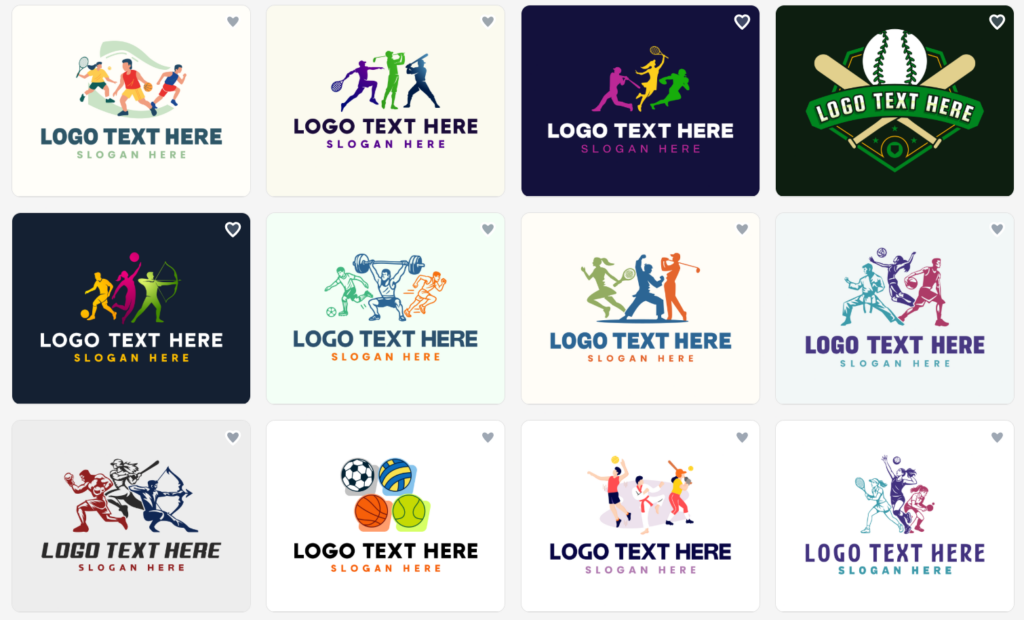
Made With Design.com
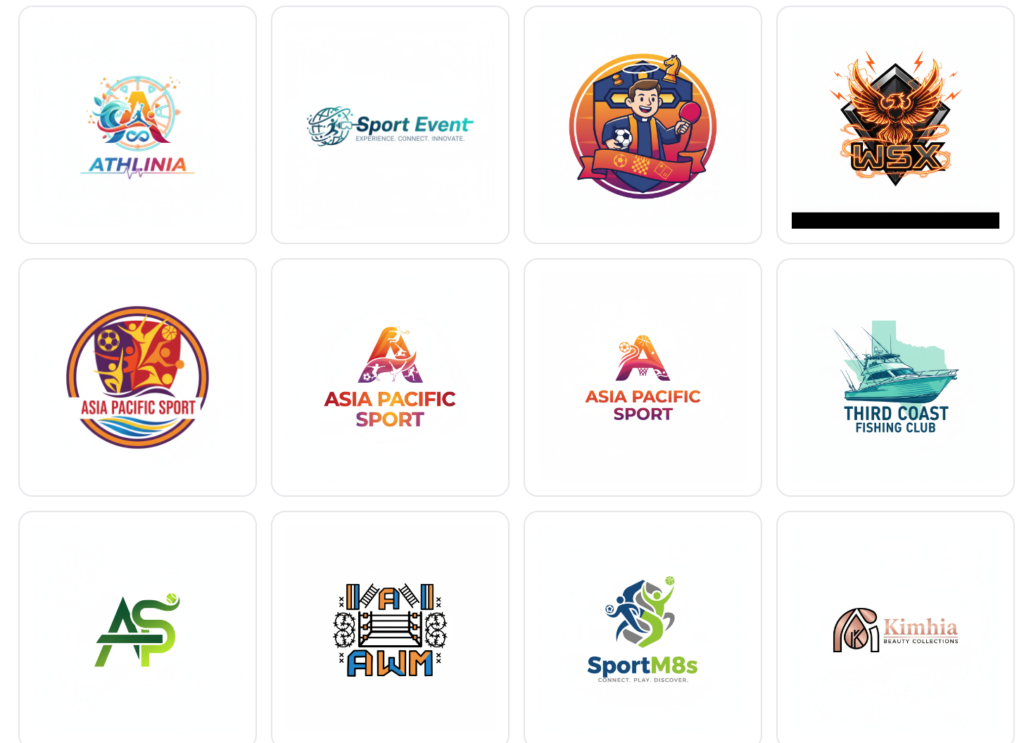
Made With LogoMakr
Final Thoughts
A professional logo is an important part of creating your overall brand image; it plays a much larger role in terms of how consumers perceive your credibility as well as your company’s level of recognition within your target audience.
Selecting the right platform, whether you are looking to create a simple logo in a short period of time or have a need to create a complete suite of branding tools, will ensure your business makes a lasting impression. In this case, Design.com will provide the foundation for the long-term success of your business.